The documentation for Docusnap Docusnap 13 has been archived and is no longer maintained. Content and links may be outdated. For up-to-date information, please refer to the documentation for the
latest version of Docusnap.
File Import
less than a minute
Using File Import wizard, you can import inventory data, captured by autonomous Discovery modules, either interactively or on a scheduled basis directly into Docusnap.
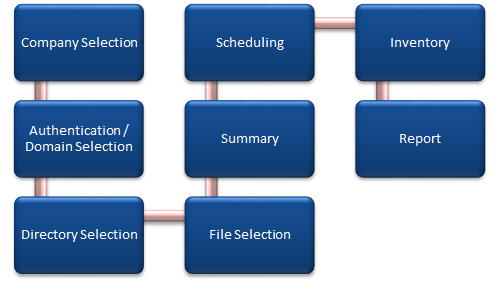
The File Import Wizard is opened with the File Import button. The Directory Selection step will be displayed after you have selected a company and a domain (see: Basic Steps).
To import the files, two steps are necessary in the wizard:
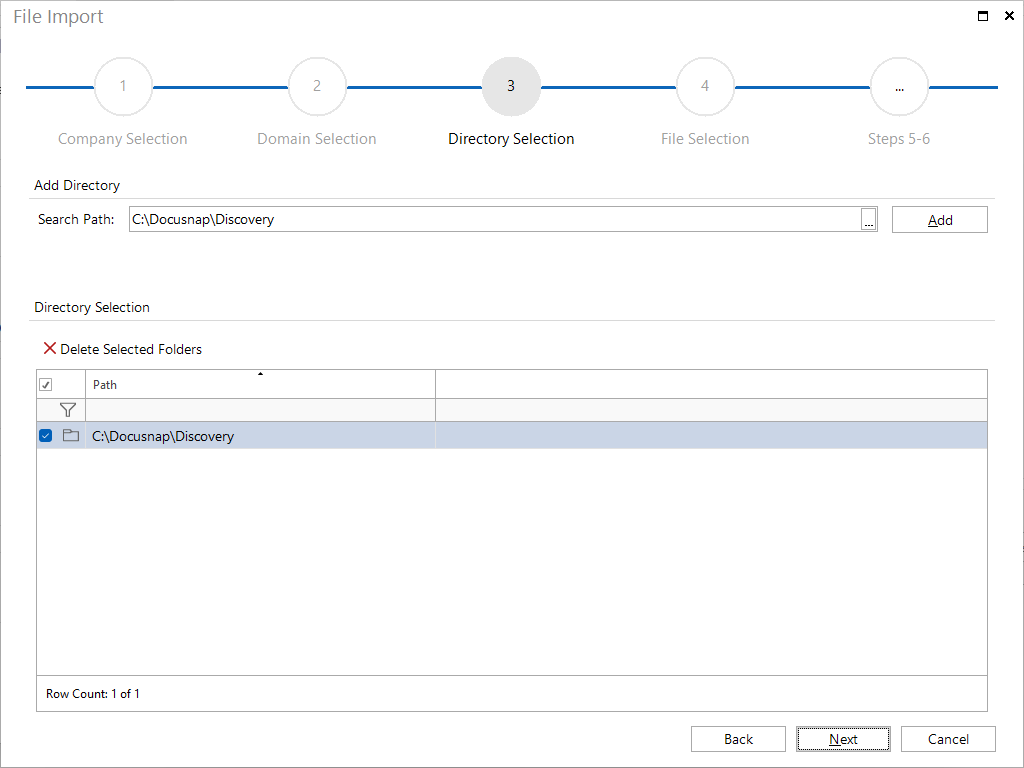
- In the Directory Selection step, define the location for storing the files.
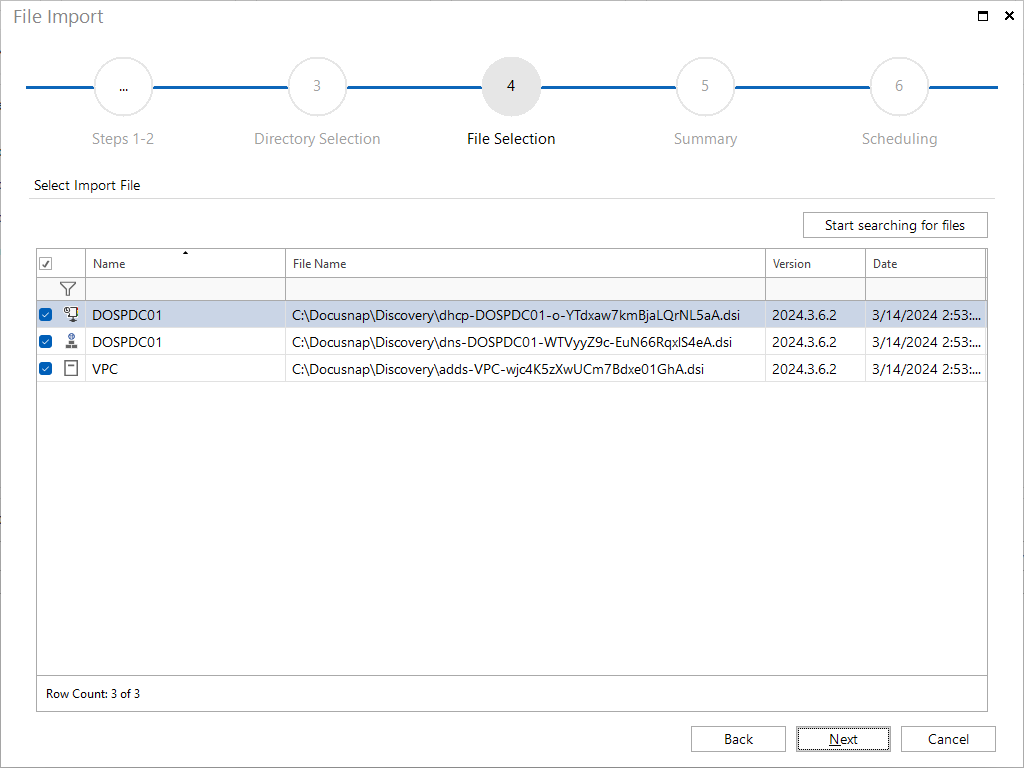
In the File Selection step, select the files to be imported.