The documentation for Docusnap Docusnap 13 has been archived and is no longer maintained. Content and links may be outdated. For up-to-date information, please refer to the documentation for the
latest version of Docusnap.
Network Inventory
less than a minute
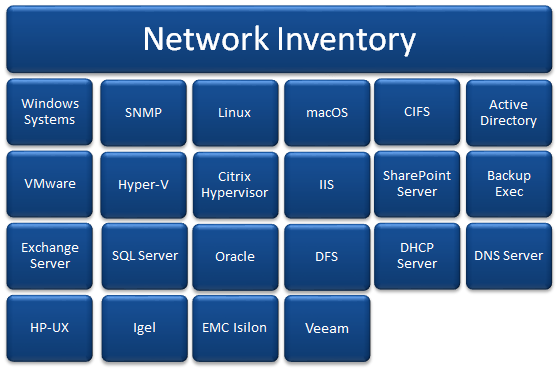
When you navigate to the Inventory tab on the ribbon, the buttons used to create an inventory of the IT environment become accessible.

Inventorying the Network
Depending on which systems you want to inventory, the respective wizard can be started.
Click the Network Scan button to open the inventory wizard. From this wizard, you can access a number of separate wizards.
In addition to the Network Scan wizard, which already contains several modules by default, custom wizards can be configured to combine several modules in one wizard. The customized wizards can be configured in Docusnap Management.
Initial Scan
The Initial Scan inventories basic information about the Active Directory, the Windows systems, DHCP, DNS, and Exchange server and SNMP devices.