The documentation for Docusnap Docusnap 13 has been archived and is no longer maintained. Content and links may be outdated. For up-to-date information, please refer to the documentation for the
latest version of Docusnap.
Summary
less than a minute
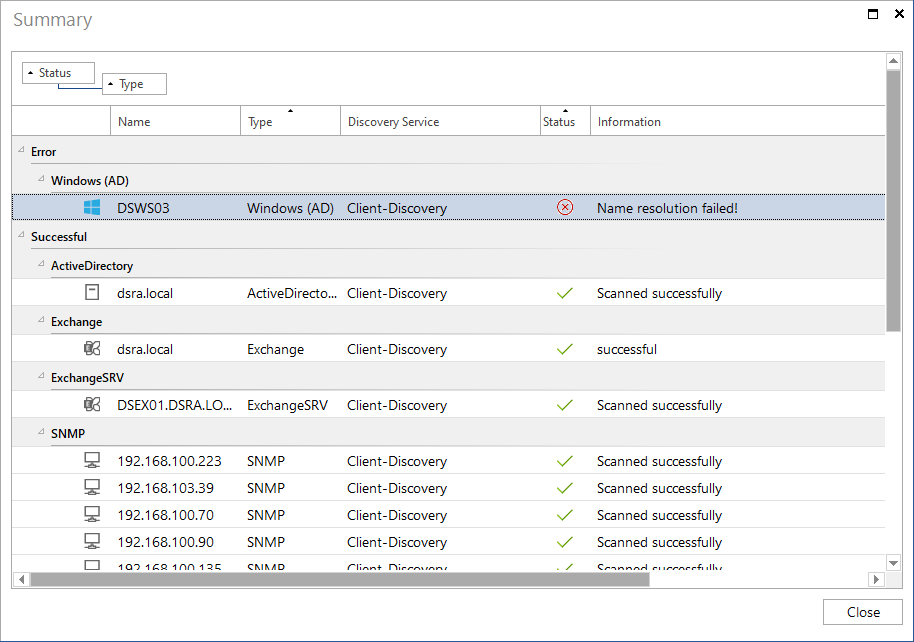
After the inventory is completed, a status message is displayed.

Click on the message or on the  button to display the summary.
In the Information column the error messages and error cause details will be shown for the aborted and incomplete steps.