The documentation for Docusnap Docusnap 13 has been archived and is no longer maintained. Content and links may be outdated. For up-to-date information, please refer to the documentation for the
latest version of Docusnap.
Documents
less than a minute
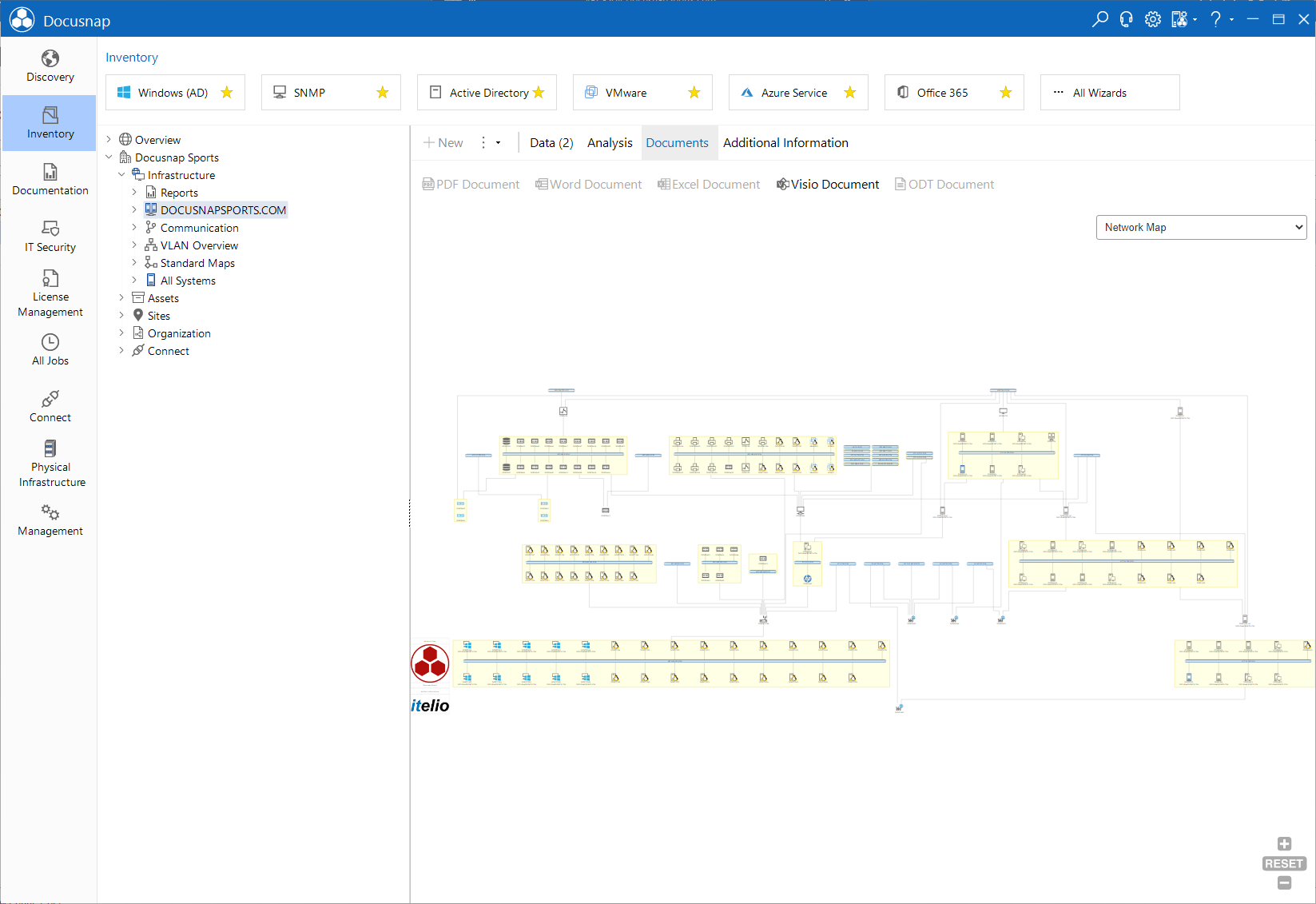
The Documents tab displays the documents created for the object selected in the tree view. If you have created a document for an object by using the Documentation module, it will be displayed on the Documents tab.
For each device that has been inventoried, a datasheet will be displayed. If a Visio map has been created for an object, you can view it on the Documents tab of the main window.
In the Documents tree view, the document generated by Docusnap is displayed at its proper location. If no document has been created for a node in the tree view, a Dashboard appears that helps you with the creation of the desired document.
Generated documents can only be displayed if the documentation path selected to create the document matches the one specified in the Options - Documentation dialog.