The documentation for Docusnap Docusnap 13 has been archived and is no longer maintained. Content and links may be outdated. For up-to-date information, please refer to the documentation for the
latest version of Docusnap.
Diagrams
less than a minute
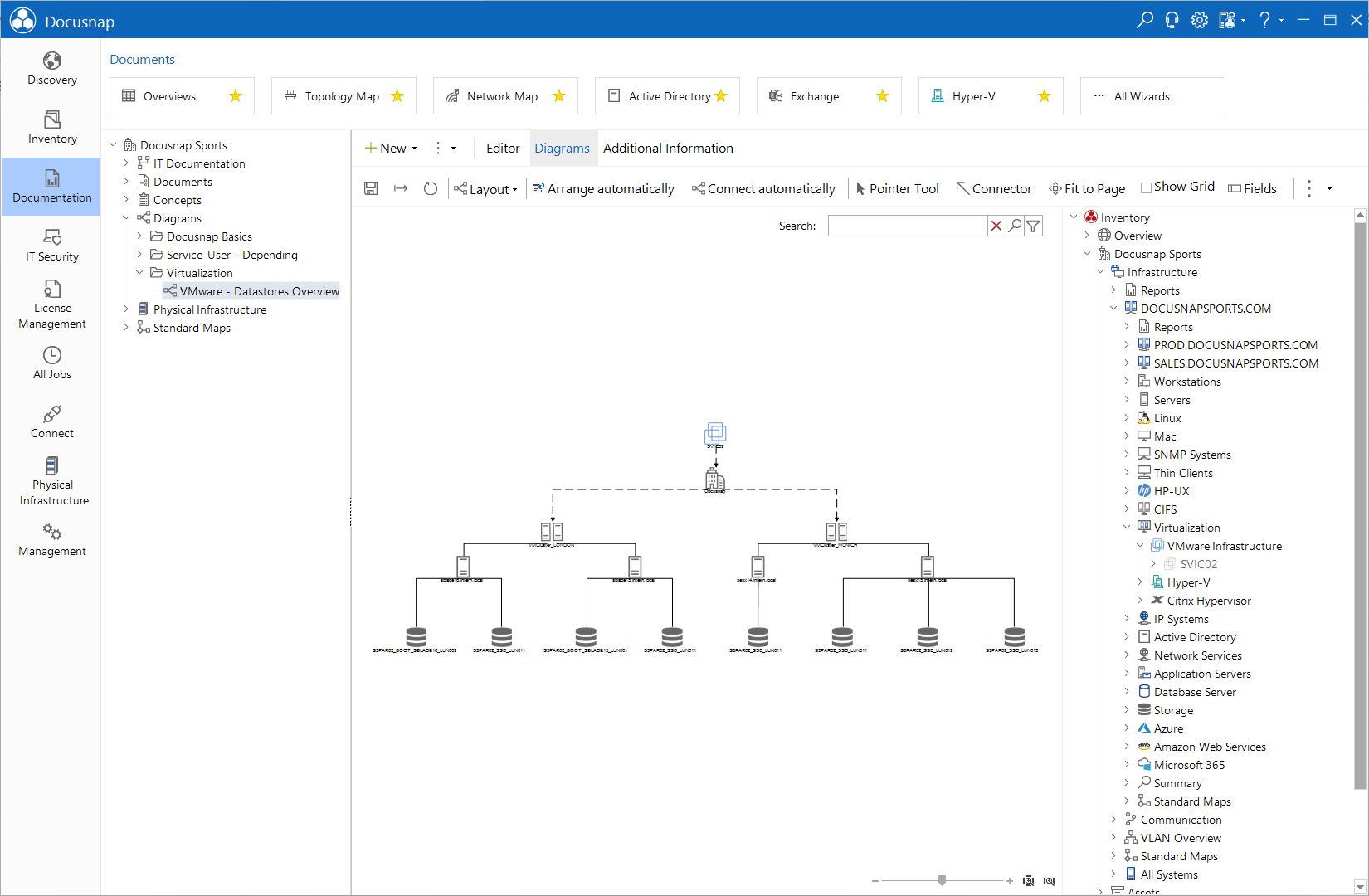
On the Diagrams tab, you can create diagrams that show the connections between different elements. The current Inventory tree view will be displayed in a separate pane at the right. From this tree, you can drag the components required for the diagram to the main window while holding the left mouse button. When you click a connection line, a data entry screen for the connection properties opens at the bottom of the window. There, you can describe the connection between individual objects in more detail.
In addition you can also add IT Correlations for the different objects.