The documentation for Docusnap Docusnap 13 has been archived and is no longer maintained. Content and links may be outdated. For up-to-date information, please refer to the documentation for the
latest version of Docusnap.
Analysis
less than a minute
The Analysis tab is displayed, if the selected object in the tree view is used in a Diagram or is defined as a starting object for an IT Correlation .
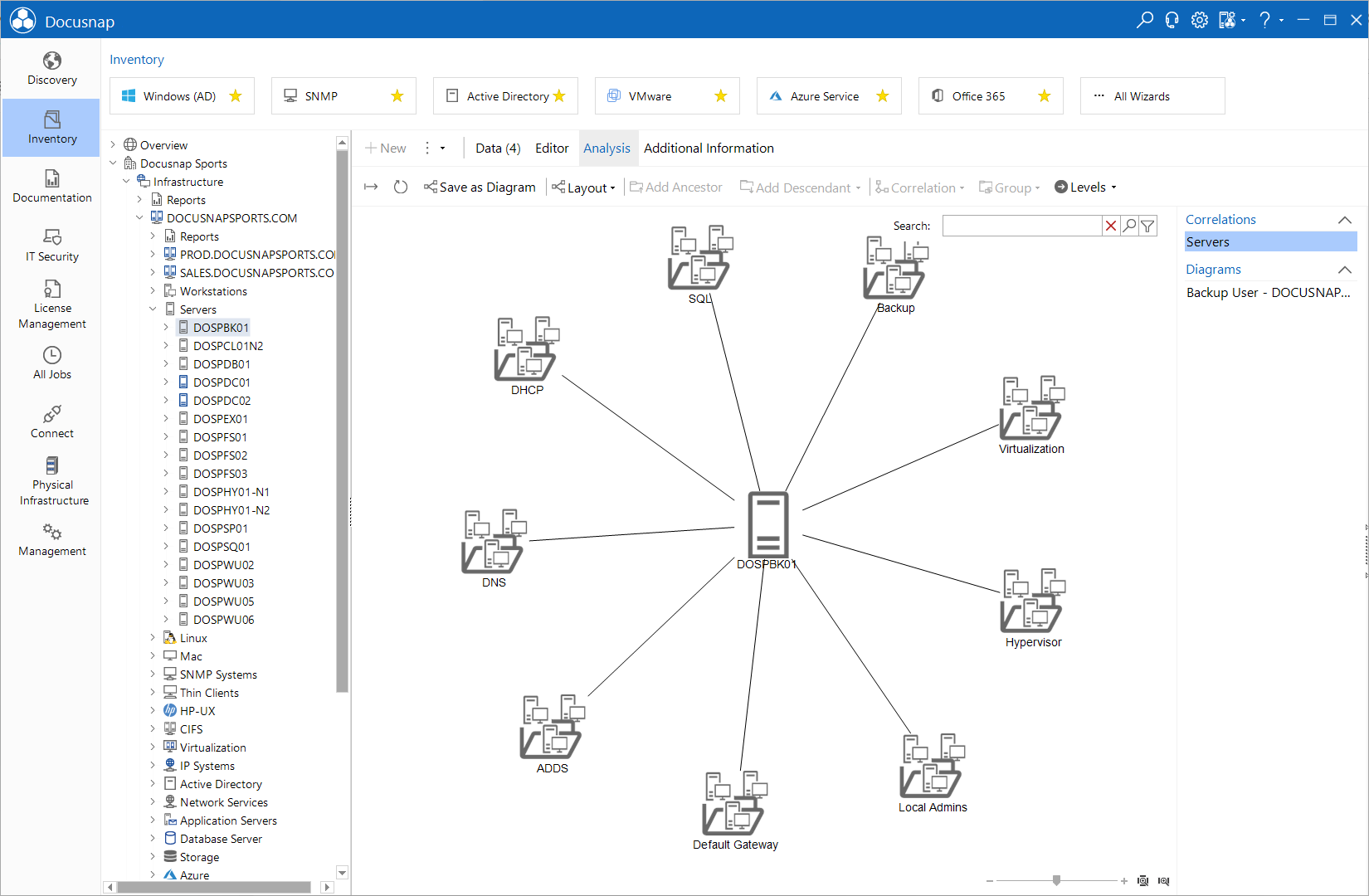
On this tab, the IT Correlations and Diagrams are displayed. In the window on the right side in addition to the IT Correlations all diagrams of this object are listed. Click on the desired entry to switch between the graphics.