The documentation for Docusnap Docusnap 13 has been archived and is no longer maintained. Content and links may be outdated. For up-to-date information, please refer to the documentation for the
latest version of Docusnap.
Exchange Server
less than a minute
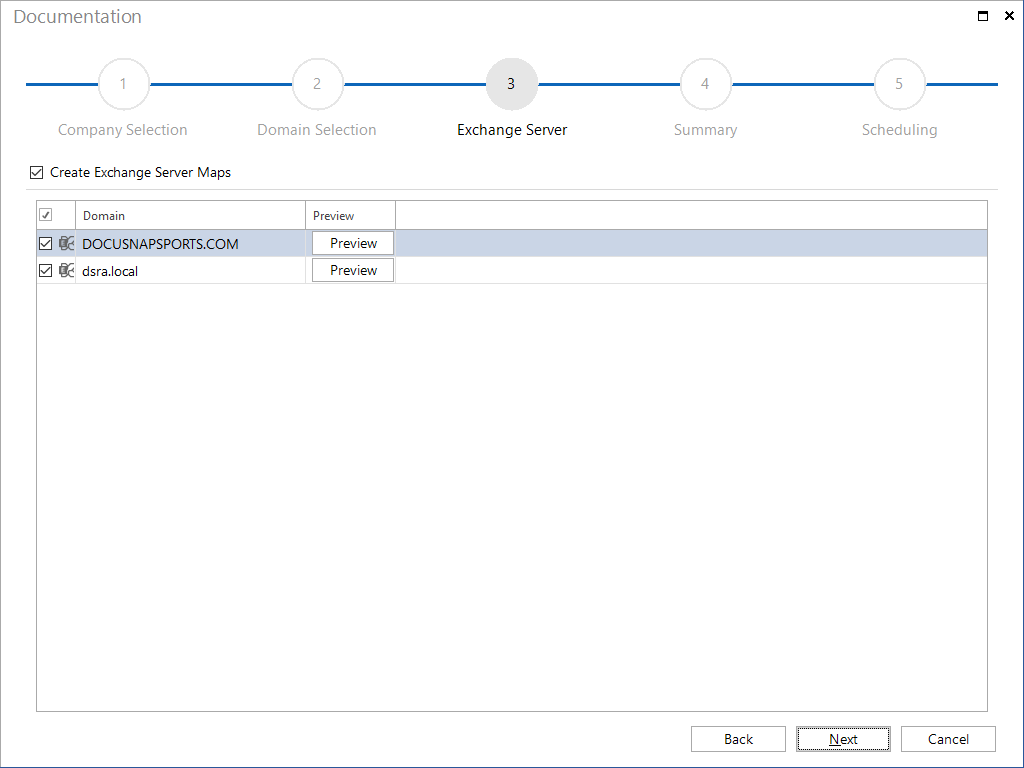
Exchange Server maps can be created either from the Create Docu wizard or the Exchange wizard.
The Visio file and the HTML file will be stored in the Maps folder.
(\Documentation Path\Company\Domain\Maps\exchange)
Once you have selected the domains, all Exchange Servers in the domains will be displayed. Each server whose checkbox is enabled will be included in the Exchange Server map.
The preview reflects the layout of the Exchange Server map.