The documentation for Docusnap Docusnap 13 has been archived and is no longer maintained. Content and links may be outdated. For up-to-date information, please refer to the documentation for the
latest version of Docusnap.
Assignment
less than a minute
The Assign button in the action bar allows you to insert existing concepts and directories at any desired position in the Explorer. To assign a concept, select it and click the Assign button to open the following dialog.
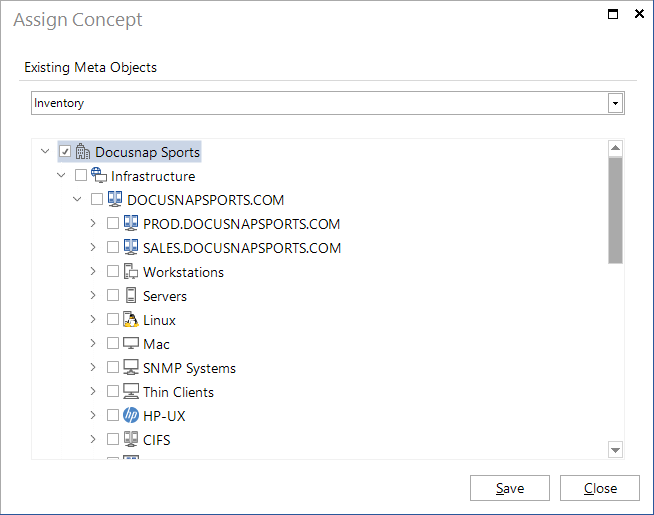
Use the drop-down list to select the desired Explorer and tick the checkbox for the hierarchical level where you want to insert the concept or the directory. The inserted concept or directory is always located directly below the desired node in the selected Explorer.