Report Structure
less than a minute
Additional information, such as the report name, the author or the creation date, is displayed on the cover page, as well as in the header and footer. This information can be changed from the Manage Reports tab.
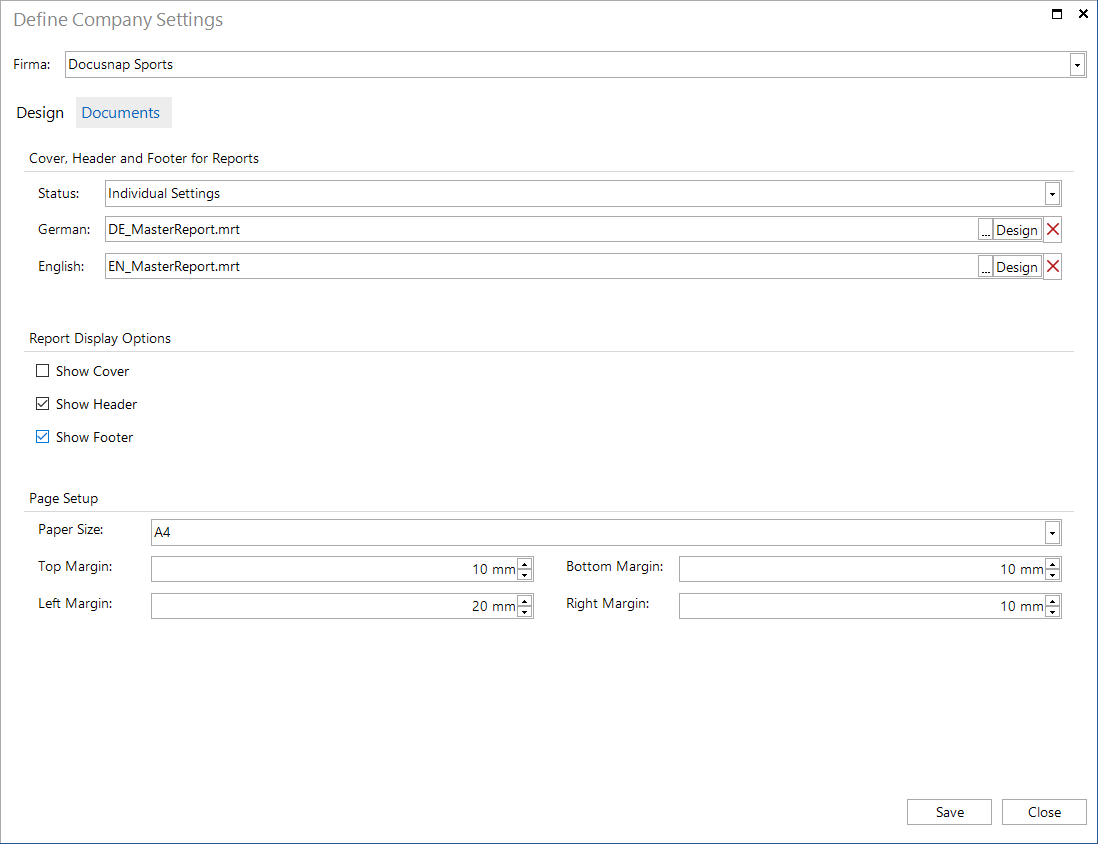
To select the desired cover pages, header and footer, go to the Layout (CI) dialog. In order to enable Docusnap to generate reports either in English or in German, the report which defines the cover page, header and footer is stored twice, once for English and once for German.
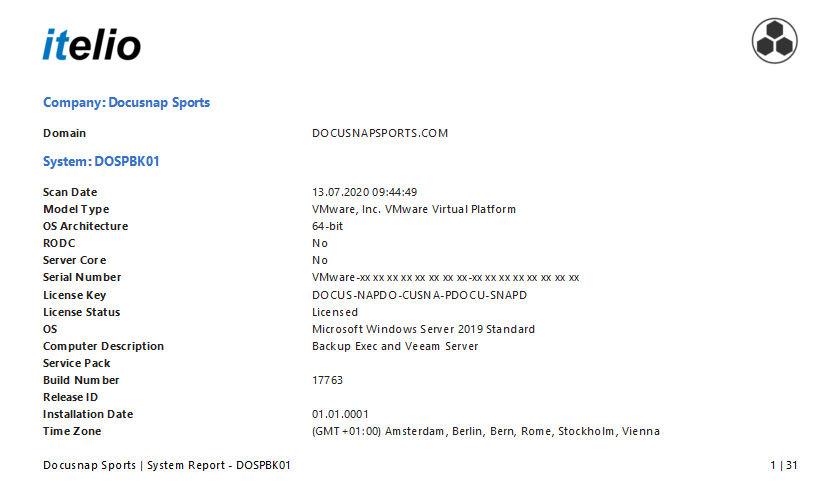
The header shows the report name and two logos. Both logos can be selected from the* Layout (CI)* dialog.
The footer displays the current company, the underlying object of the report, the name of the report and the number of pages.
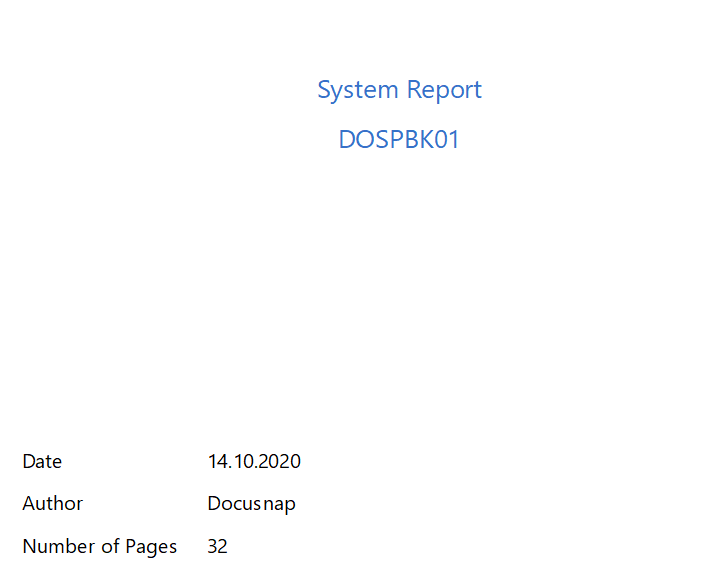
If the cover page is activated, the first page of the report will show the name of the report and the object of the tree to which this report refers. The current date, the name of the author and the number of pages are also shown. The author and the name of the report can be changed in the Manage Reports tab. If a description is added to the report, it will also be displayed on the cover page.